
EvoControl Pro series
Models: EvoDry 30 Pro – 180 Pro
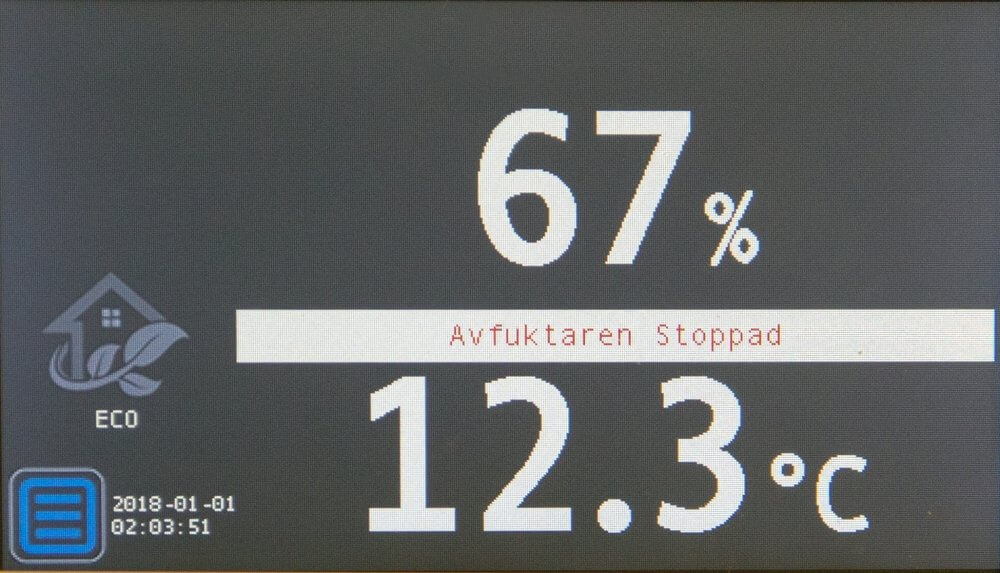
Press the button Menu 
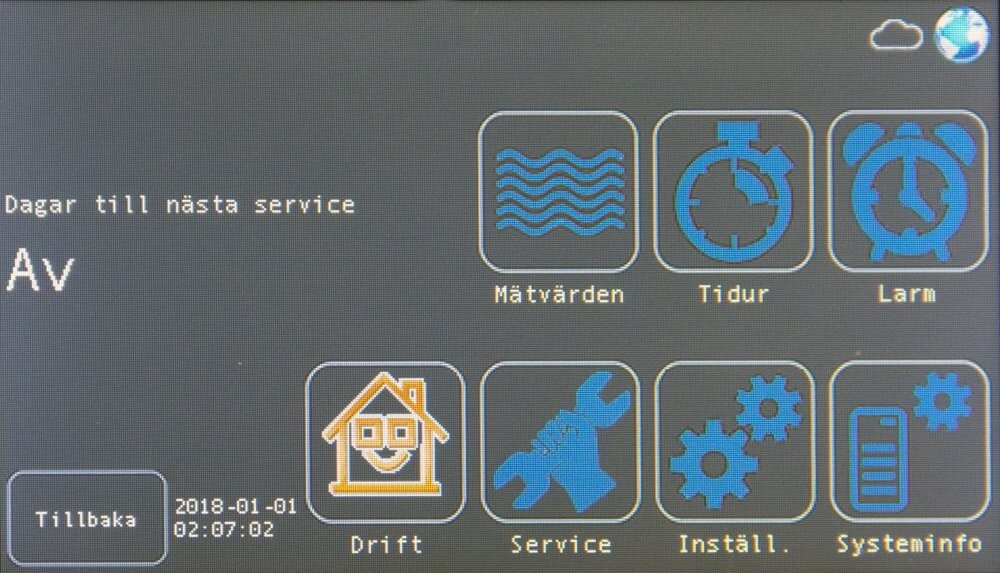
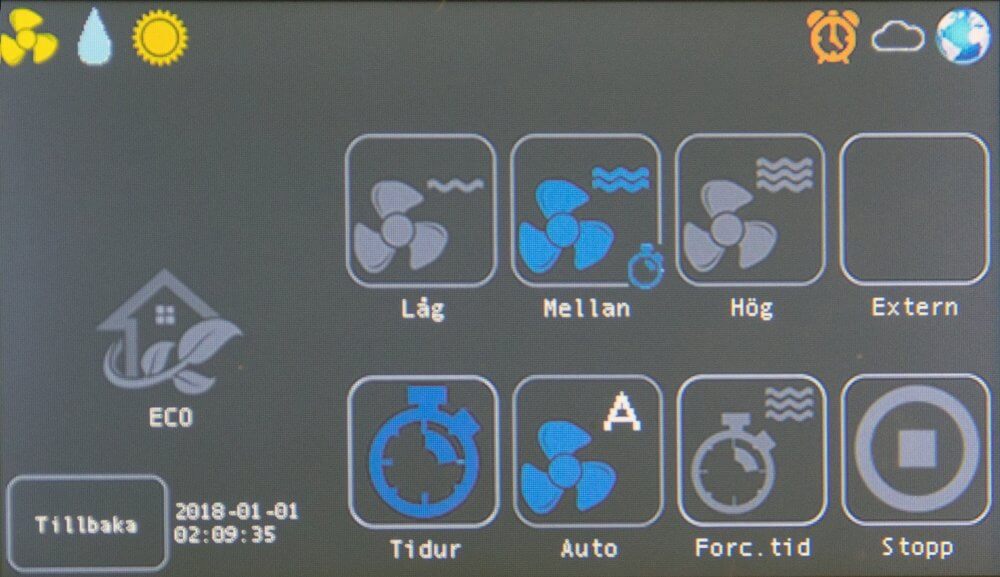
Press the button Tidur 
Press the button New 
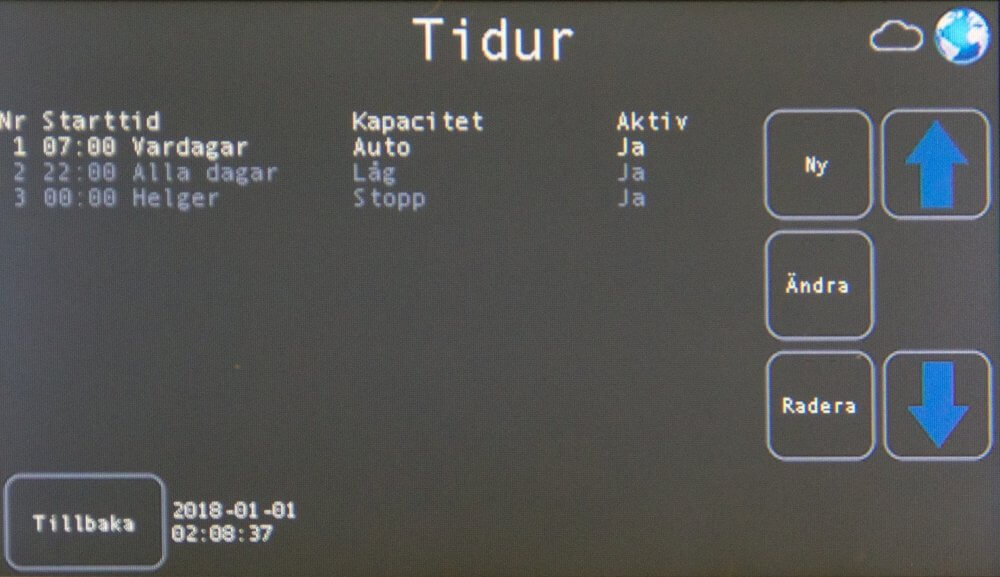
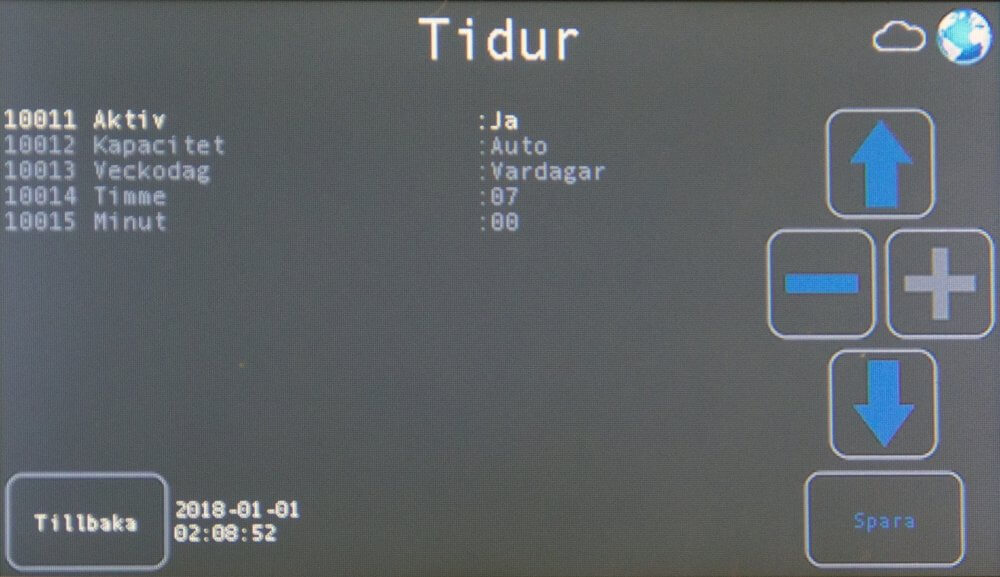
Set the activation time.
Press the button Tidur  to activate the function.
Example:
| Active | Yes | Monday - Friday 07:00 the unit starts in capacity Auto | |
| Drift mode | car | ||
| Day | Weekdays | ||
| Hour | 07 | ||
| minute | 00 | ||
| Active | Yes | Weekdays 22:00 the unit starts in low capacity | |
| Drift mode | Low | ||
| Day | Weekdays | ||
| Hour | 22 | ||
| minute | 00 | ||
| Active | Yes | Saturday 00:00 the aggregate enters into capacity Stop | |
| Drift mode | stop | ||
| Day | Saturday | ||
| Hour | 00 | ||
| minute | 00 |
In this example, the unit is running at capacity car Monday - Friday between 07:00 - 22:00.
The unit runs Saturday 00:00 to Monday 07:00 in operating mode stop.
All other times during the week the unit is in operating mode Low.
Reservation for errors or linguistic discrepancies that may have arisen during printing, translation or assisted text processing. In case of discrepancies between language versions, the original Swedish version applies. See conditions.
 Svenska Svenska
  English (UK)
 Deutsch
 Dansk
Dansk
 Norsk bokmål
 Íslenska
 Suomi
Suomi
 Eesti
Eesti
 Latviešu valoda
 Lietuvių kalba