
EvoControl Ventilation - MPO1 Display
Models: A30T, A50CS, A60T, A70T
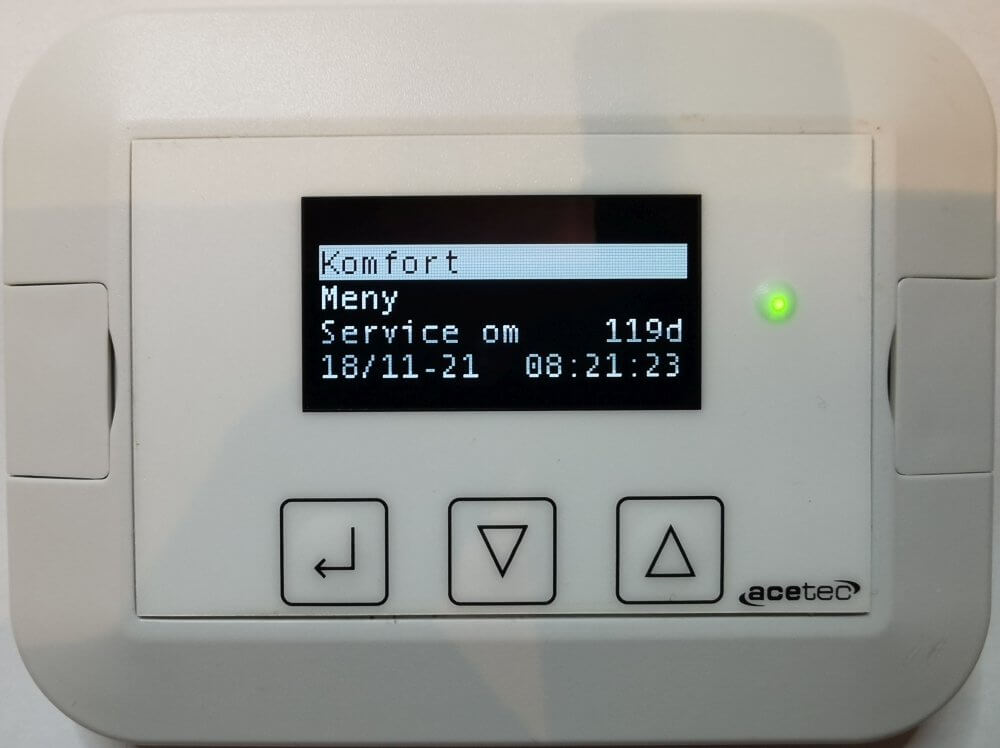
Select the “Menu” line and press Enter.

Scroll down to the “Settings” row and press Enter.

Dial the authorisation code.
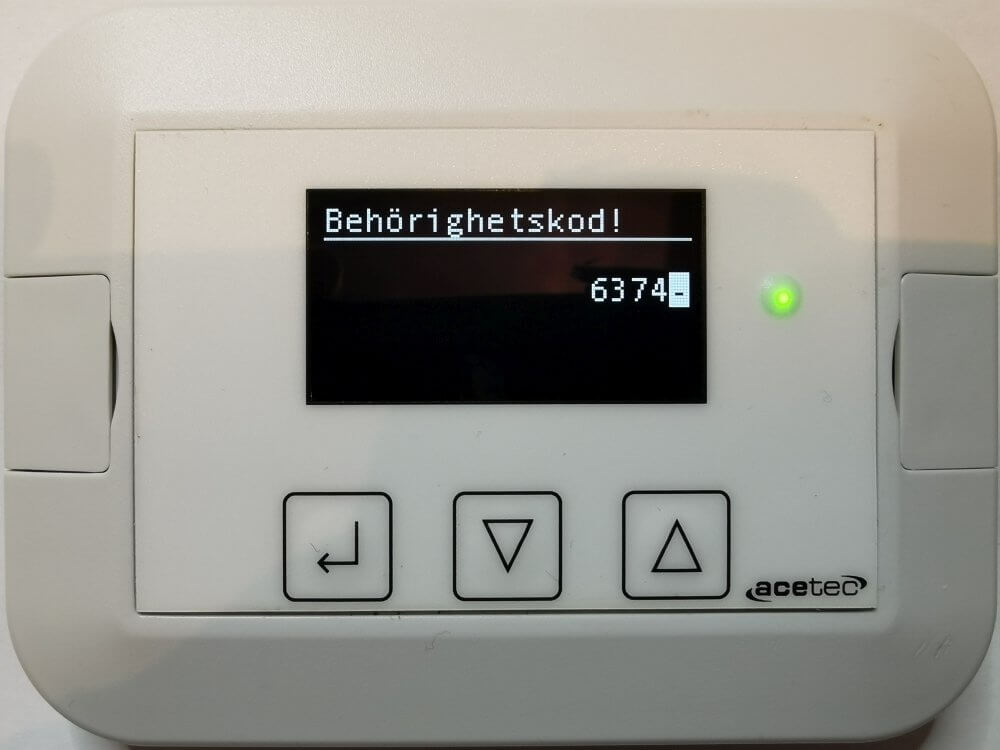
Scroll down to the “Clock” row and press Enter.
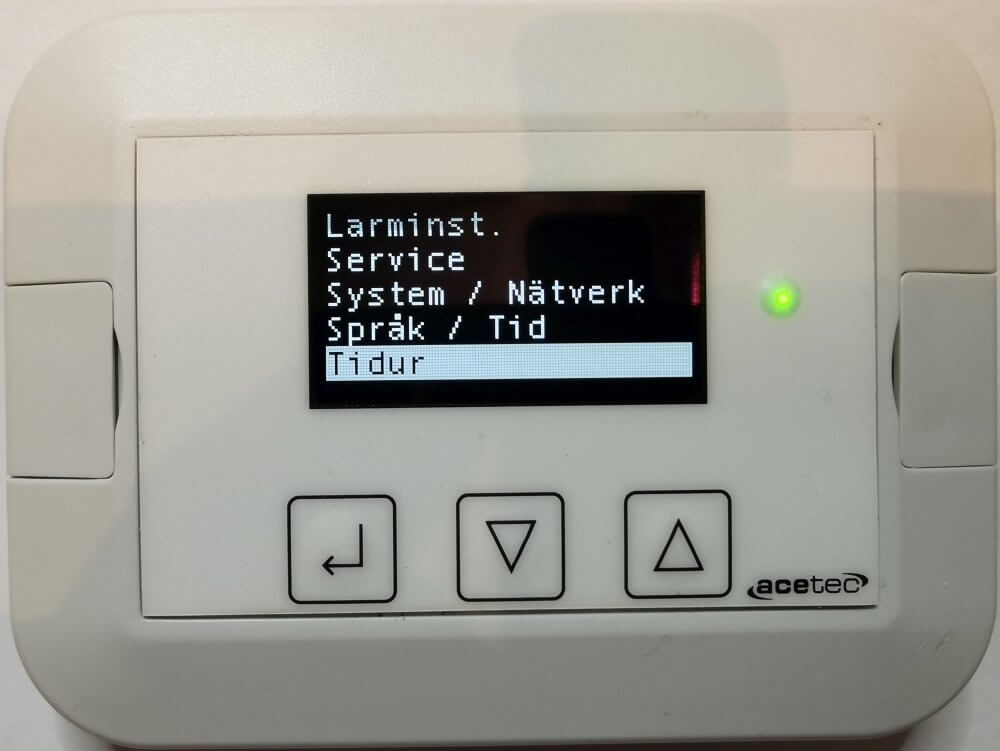
Select “New” to add an event or stand on an existing time to edit/delete the event.
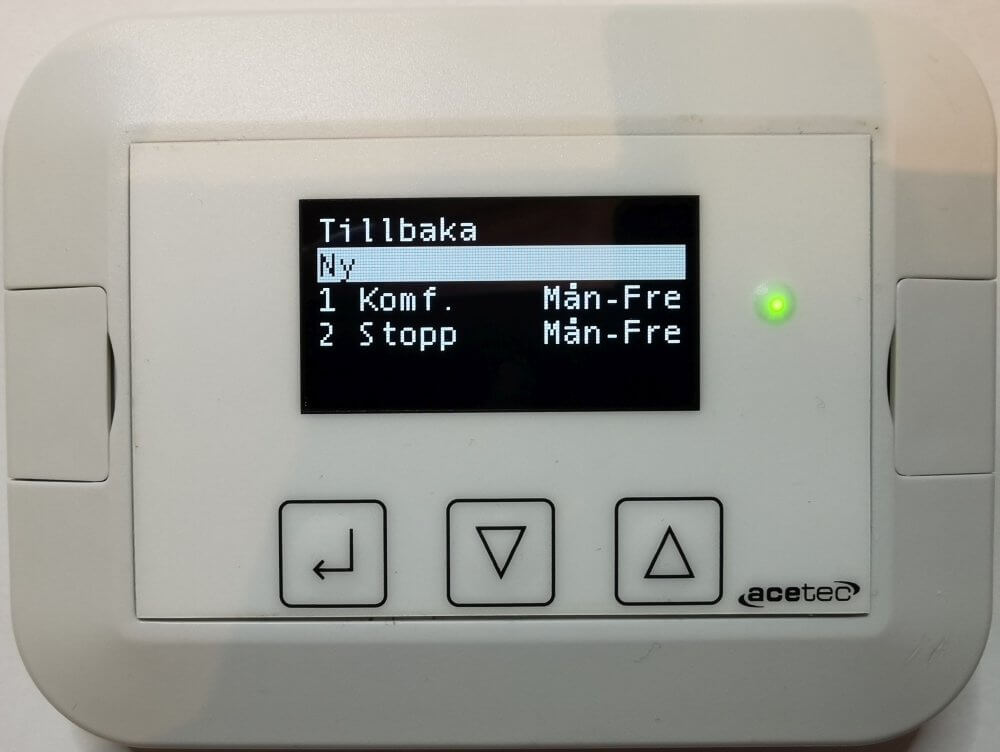
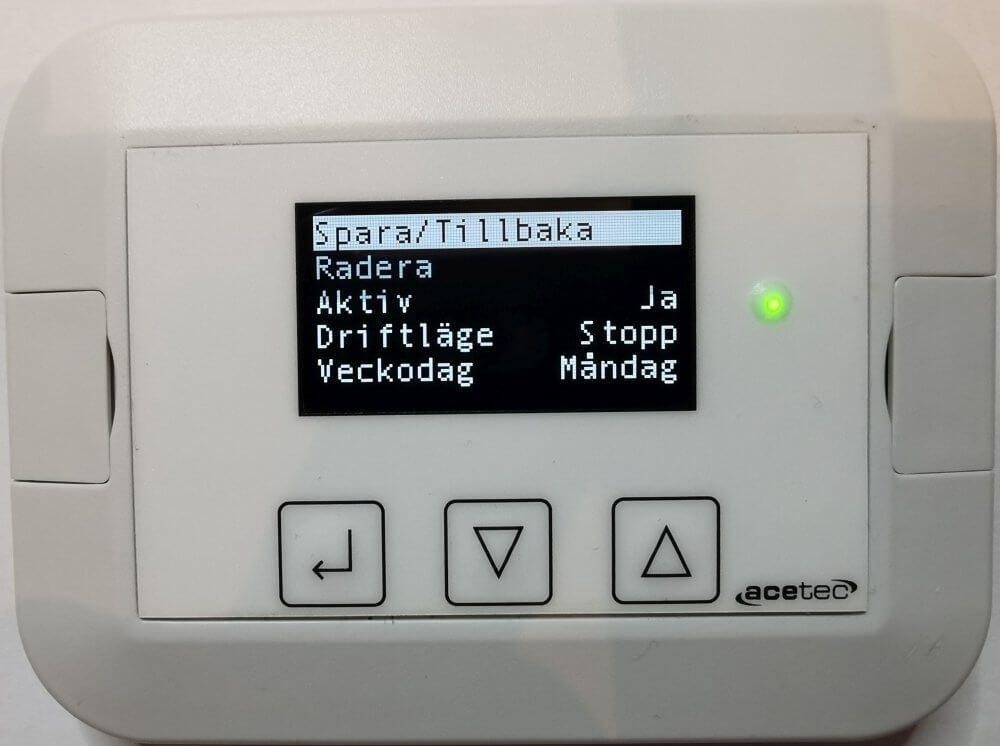
Set the operating mode and activation time, then select the “Save/Back” line and press Enter.
ATTENTION! “Save/Return” always saves “New” time, to not save “New” time tick “Delete” and press Enter.
Go back to the main menu and then into the operation menu.
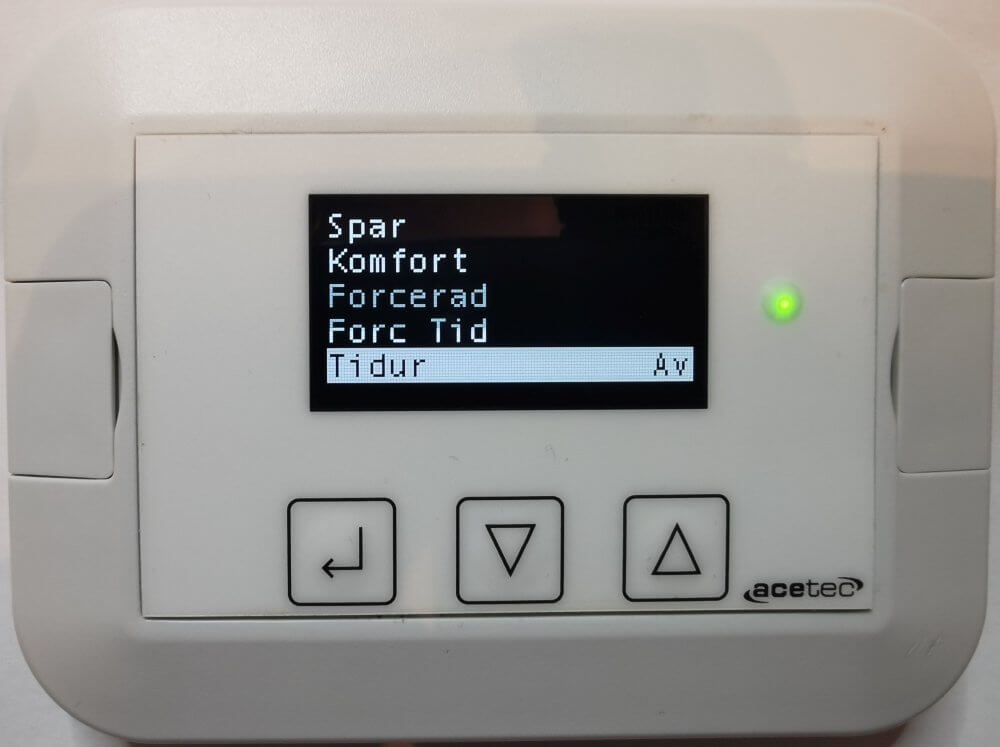
Go down to the “Timer” row and change the timer to “On” to activate the function.

Example:
| Active | Yes | Monday - Friday 07:00 the unit starts in Comfort mode | |
| Drift mode | Comfort and convenience | ||
| Day | Weekdays | ||
| Hour | 07 | ||
| minute | 00 | ||
| Active | Yes | Monday - Friday 17:00 the unit enters the operating mode Stop | |
| Drift mode | stop | ||
| Day | Weekdays | ||
| Hour | 17 | ||
| minute | 00 | ||
| Active | Yes | On Wednesday 17:01 the unit starts in operating mode Spar | |
| Drift mode | Spruce | ||
| Day | Wednesday | ||
| Hour | 17 | ||
| minute | 01 |
In this example, the unit goes into operating mode Comfort and convenience Monday - Friday between 07:00 - 17:00.
The unit runs from Wednesday 17:01 to Thursday 07:00 in operating mode Spruce.
All other times during the week the unit is in operating mode stop.
Reservation for errors or linguistic discrepancies that may have arisen during printing, translation or assisted text processing. In case of discrepancies between language versions, the original Swedish version applies. See conditions.
 Svenska Svenska
  English (UK)
 Deutsch
 Dansk
Dansk
 Norsk bokmål
 Íslenska
 Suomi
Suomi
 Eesti
Eesti
 Latviešu valoda
 Lietuvių kalba