
Update EvoControl
Models: Unit with EvoControl
The instructions below apply to all units fitted with EvoControl.
Disconnect the unit from the mains.
Open the unit and locate the circuit board.
Plug the USB stick into the USB socket.
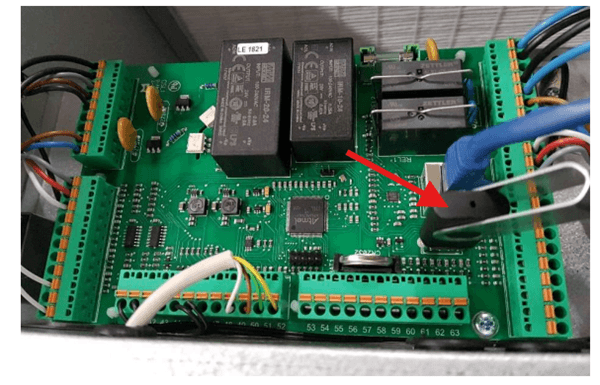
Reconnect the power supply to the unit.
Please wait about 1 minute whilst the main board is being updated.
If the display also needs new software, this is done automatically from the motherboard and a progress bar is displayed during the process (approx. 4 minutes).
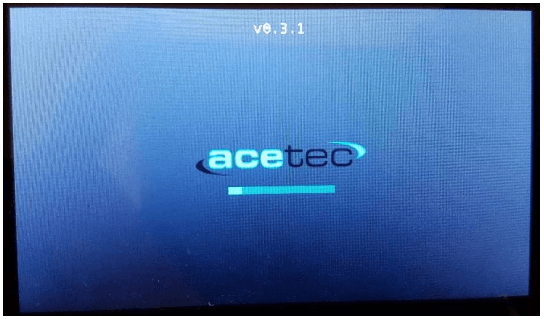
Remove the USB stick.
Screw the covers back on and close the unit.
Reservation for errors or linguistic discrepancies that may have arisen during printing, translation or assisted text processing. In case of discrepancies between language versions, the original Swedish version applies. See conditions.
 Svenska Svenska
  English (UK)
 Deutsch
 Dansk
Dansk
 Norsk bokmål
 Íslenska
 Suomi
Suomi
 Eesti
Eesti
 Latviešu valoda
 Lietuvių kalba