
EvoControl Ventilation Touch Display
Models: A100 G3, A110T G3-G4, A170T G2, A200S, A230T, A250S, A390T, A400S, A590T, A600S/T, A900ST G3, A1, A2, M1, M2, R20, R25, R40, R50, R70
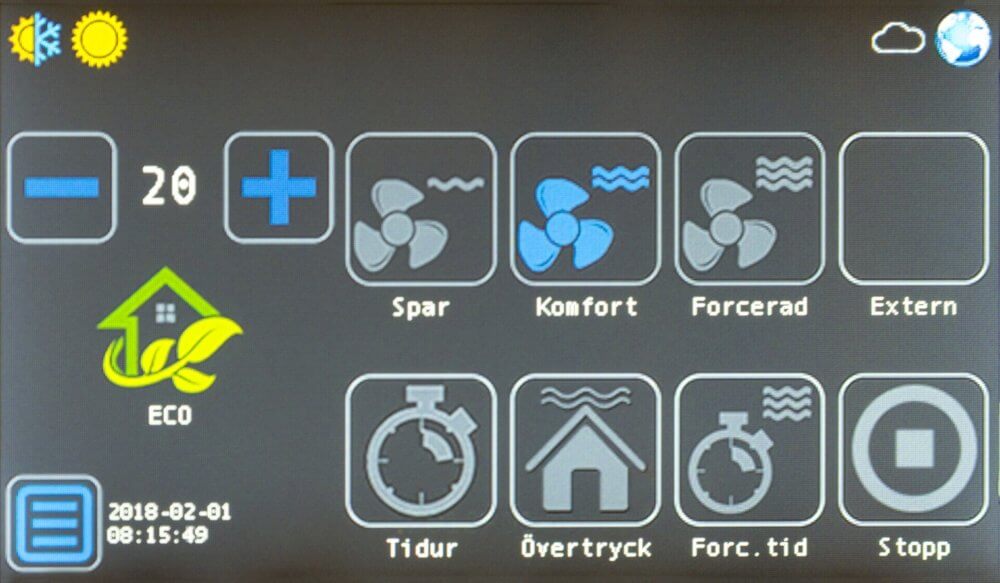
Press the button Menu 
Press the button Alarm 
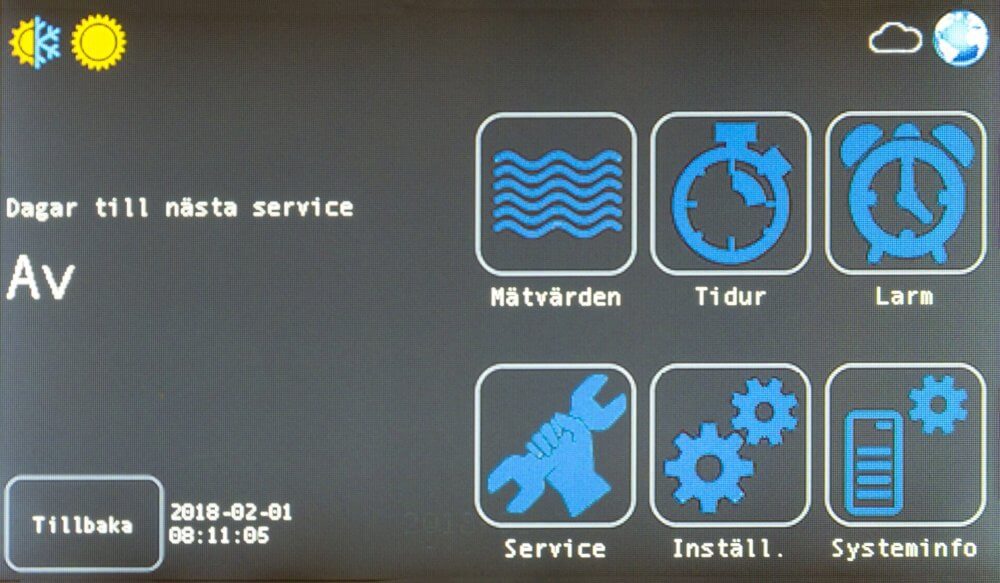
In this menu you can check alarms, acknowledge and clear alarm history

Reservation for errors or linguistic discrepancies that may have arisen during printing, translation or assisted text processing. In case of discrepancies between language versions, the original Swedish version applies. See conditions.
 Svenska Svenska
  English (UK)
 Deutsch
 Dansk
Dansk
 Norsk bokmål
 Íslenska
 Suomi
Suomi
 Eesti
Eesti
 Latviešu valoda
 Lietuvių kalba