
EvoCloud Cloud Service
Models: Unit with EvoControl
Start by checking that the unit is energised.
Activate network and cloud service in EvoControl.
Look for symbols in the top right corner of the display to start troubleshooting.

Network cable missing or faulty. Router or switch missing.

The device has been assigned an IP address on the local network but has no internet connection. Check if other devices have internet connection.

The device connected to the internet.
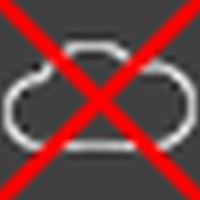
Device not connected to the cloud service. The cloud service is temporarily down. Port 8883 is blocked by router.

Device is connected to the cloud service.

Device is connected to the cloud service and allowed to be remotely controlled by Acetec.
Reservation for errors or linguistic discrepancies that may have arisen during printing, translation or assisted text processing. In case of discrepancies between language versions, the original Swedish version applies. See conditions.
 Svenska Svenska
  English (UK)
 Deutsch
 Dansk
Dansk
 Norsk bokmål
 Íslenska
 Suomi
Suomi
 Eesti
Eesti
 Latviešu valoda
 Lietuvių kalba